




A game plan. Not a guessing game.
Who’s going where? What needs doing? Give your crew one schedule, with job notes and photos right where they need them.
See the scheduleFor the hands-on.
Leads, jobs, customers, and invoices. One place to keep your business moving, on site and off.

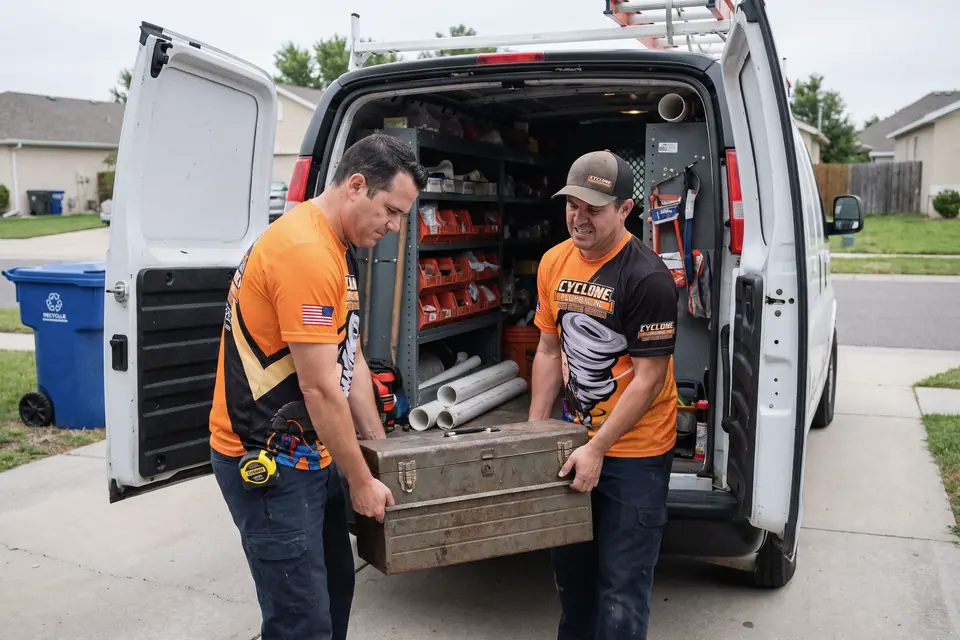
Workday photographs, including illustrative AI-generated scenes. Hover to pause, or tap to pause and resume. With keyboard focus, press Space to pause or resume.
 Photo unavailable
 Photo unavailable
 Photo unavailable
 Photo unavailable
 Photo unavailable
 Photo unavailable
 Photo unavailable
 Photo unavailable
 Photo unavailable
 Photo unavailable
 Photo unavailable
 Photo unavailable
 Photo unavailable
 Photo unavailable
 Photo unavailable
 Photo unavailable
 Photo unavailable
 Photo unavailable
 Photo unavailable
 Photo unavailable
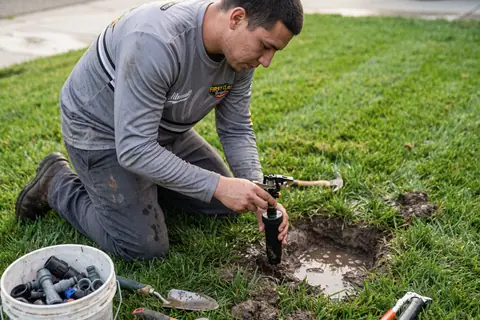 Photo unavailable
Know what’s booked, who’s on it, and what’s still due. Open your dashboard and get into your day.
Yep, all in here.
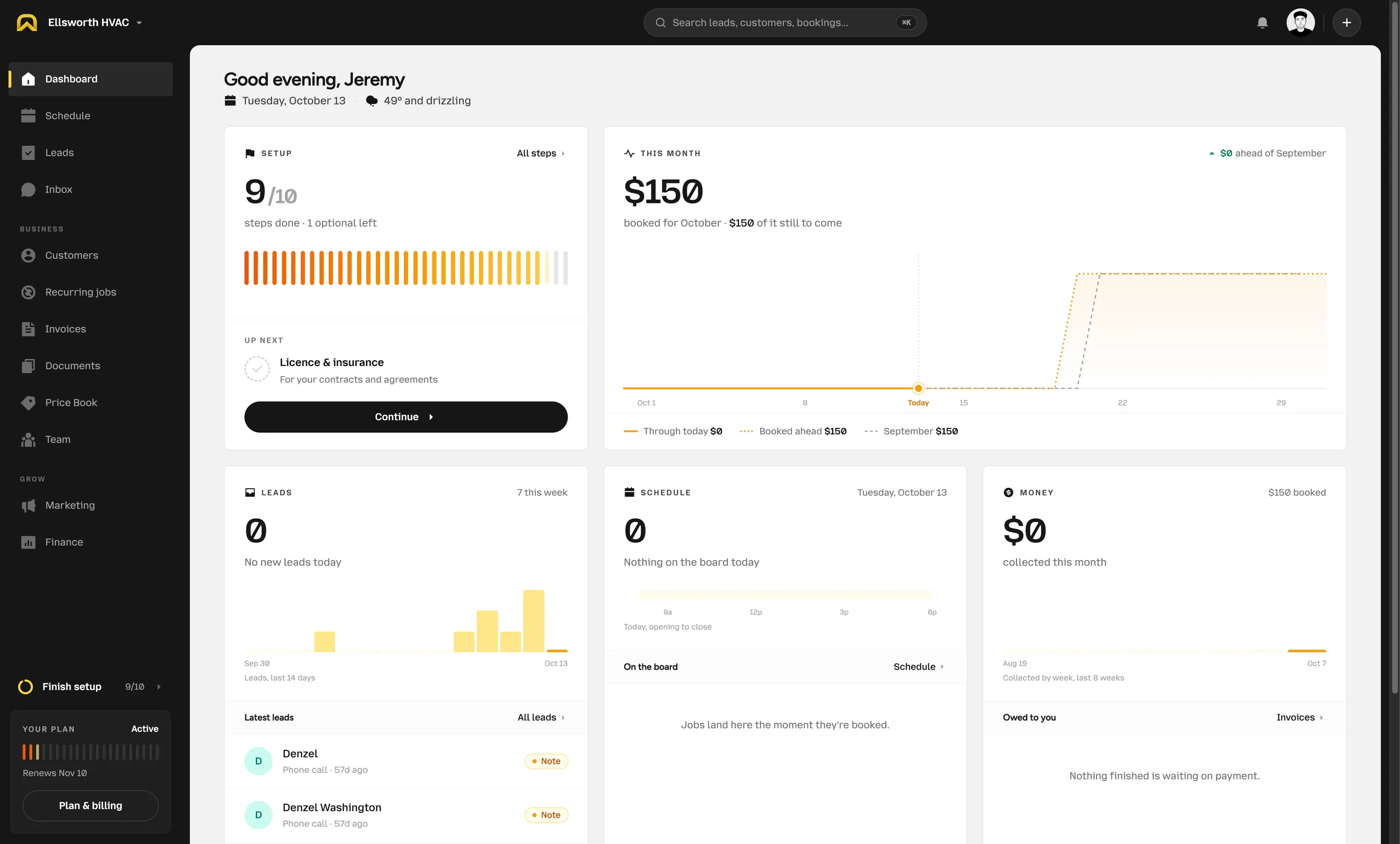
The details follow the job. Not the other way around.
Website forms and chat collect the inquiry. You can add a lead yourself, too.
Pull from your price book. Send an estimate for your customer to review.
Schedule the job, assign your crew, and keep notes and photos with the work.
Turn the finished work into an invoice. Keep track of what’s paid and what’s due.
Book recurring visits with the customer’s details and job history ready to go.
Ready for the next one.
From the office to the driveway. The right details, wherever the day takes you.
Who’s going where? What needs doing? Give your crew one schedule, with job notes and photos right where they need them.
See the schedule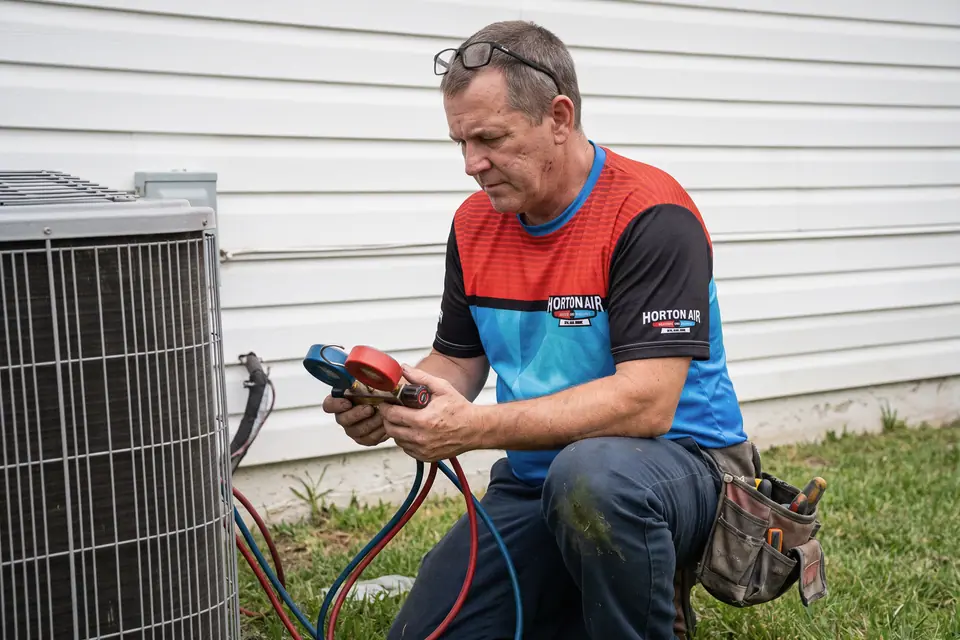
Past jobs, equipment, notes, and conversations. Keep the backstory together, so nobody starts the next visit from scratch.
Meet your inboxPut the pen down.
Build estimates from your price book. Send invoices, track balances, and keep income and expenses close to the work.
See what’s includedConnect your website form and live chat to your leads. Follow up with text campaigns and share your Google review link.
Plan the work, give people access, and keep the customer and job details together from the office to the next driveway.
Keep your prices consistent, prepare the right documents, and follow the money without losing sight of the job.
Business texting and text campaigns require approved carrier registration.

Your website forms and chat give customers a place to leave the details. Pick up the conversation when you’re back.
Meet your new inboxGo on. Call it a day.
Different tools. Different jobs. The same need to keep the whole business moving.

The no-cool request. The replacement estimate. The tune-up next month. Keep every visit and customer in the picture.

From a dripping tap to a water heater replacement. Put the property details, estimate, and next visit in one place.
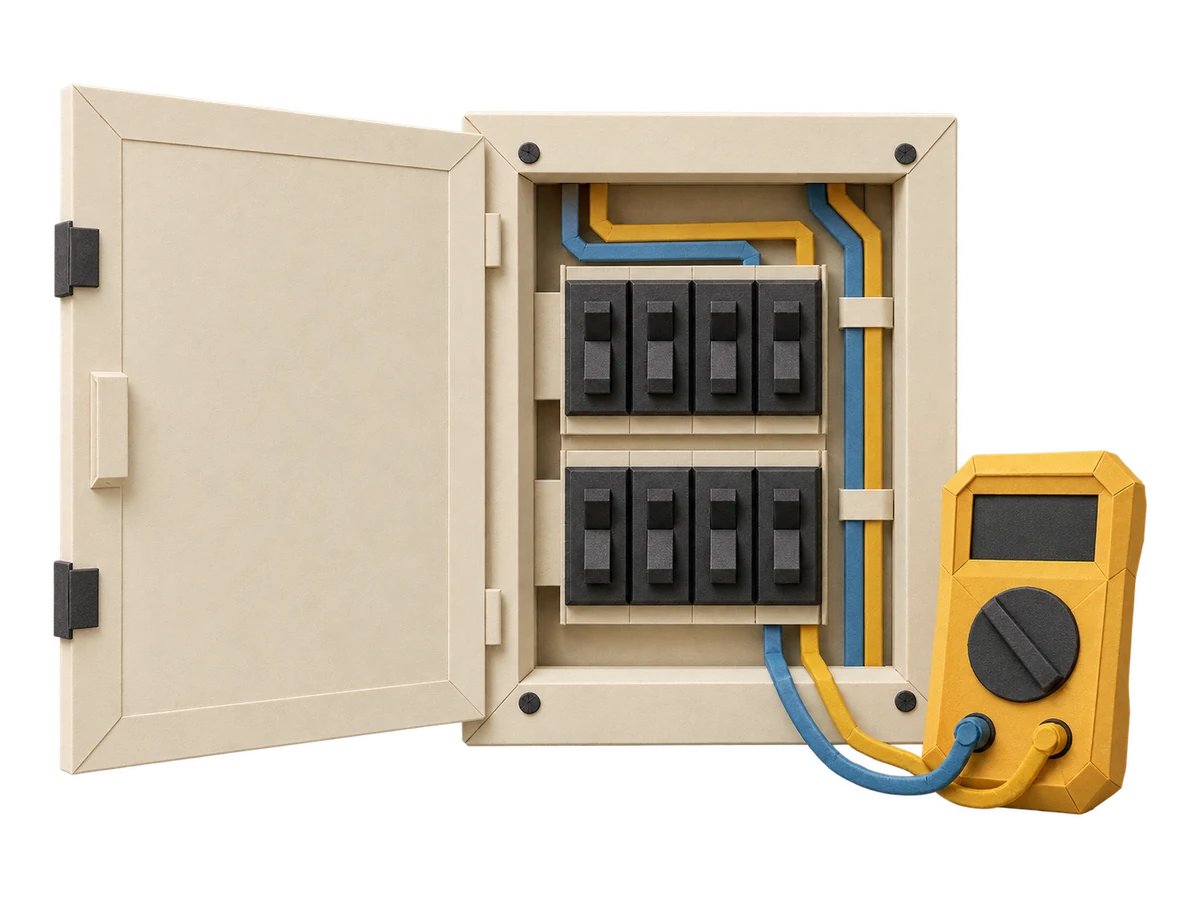
Keep the reported issue and customer photos together. Price the work, assign your electrician, and send the invoice when it’s done.

The sticking door, the shelves, the repair that became three repairs. Build one estimate and keep the whole job together.

New inspections, one-time treatments and recurring service. Keep the property notes, schedule and invoice together.
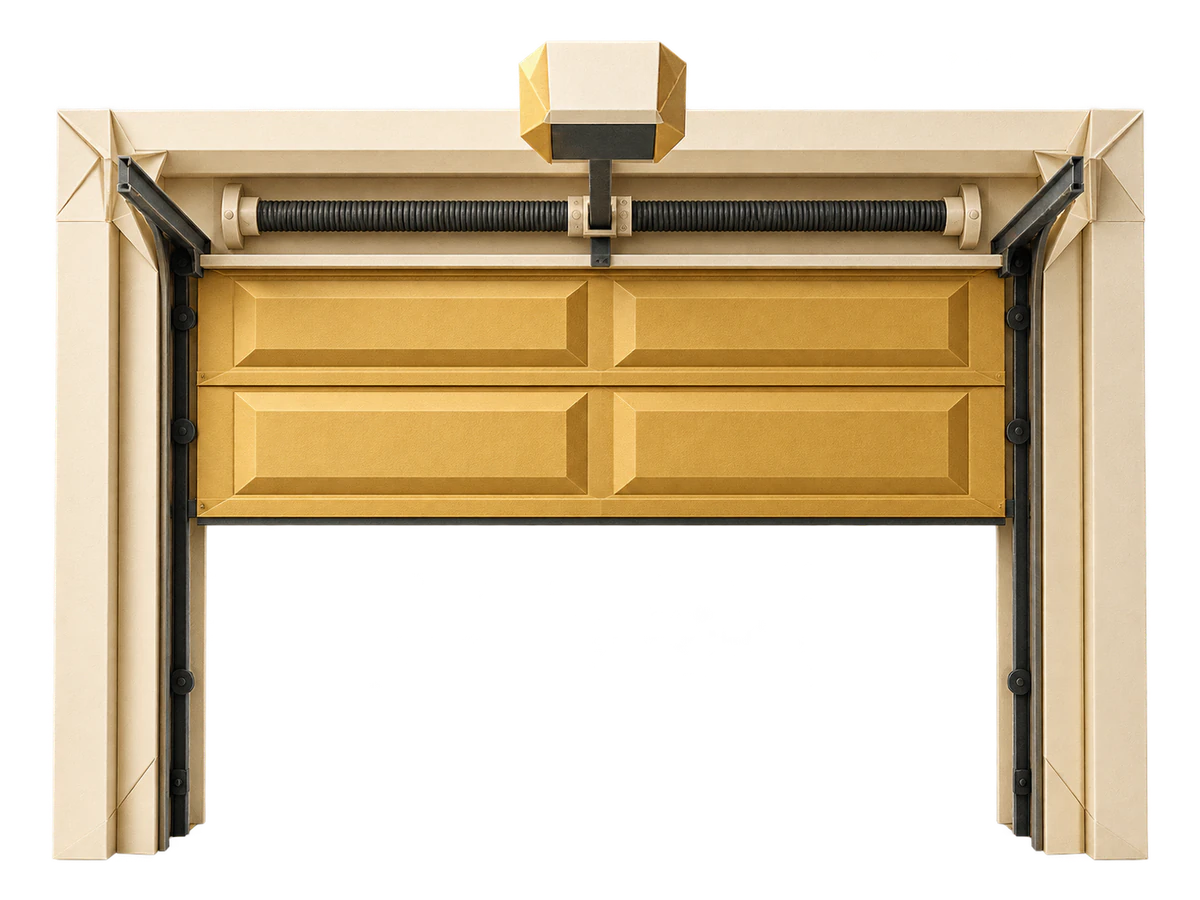
Keep the door details, photos, estimate, and invoice with the same job. Your technician has the context before pulling up.

Quote the first cleanup, save the gate code, and plan the weekly visits. Keep one-off cleanups and repeat customers together.

Review the load photos and access details, price the pickup, and put it on the team schedule. Keep everyone on the same page.

Start with the customer’s photos, quote the work and send the crew with the details. Keep the finished job and invoice together.

Keep the roofline photos, estimate and crew schedule together. Book the installation and the January takedown against the same customer.
A few things to know before you bring the shop together.
Something we missed?
Get helpThe day-to-day work of a home service business: website leads, estimates, scheduling, dispatch, customer records, texting, recurring jobs, and invoices. The office and field team work from the same job information.
Add OnSiteCall’s lead form or live chat to your existing website. Those inquiries come into your lead list. You can also create a job yourself and put it straight on the schedule.
Yes. The shared inbox keeps customer conversations and photos together. Outbound texting uses your OnSiteCall texting number and requires carrier registration and approval before sending is enabled.
Yes. Build your price book with your services and materials, or import them from a CSV. Use those prices when preparing an estimate, and review the details before sending it to your customer.
Recurring jobs let you plan ongoing work with per-visit, flat-period, or no-charge arrangements. The visits appear on the same schedule as your one-off jobs.
No. OnSiteCall no longer offers voice agents or an AI phone receptionist. It is shop software for managing leads and jobs. Website chat and customer texting remain part of the product; phone answering does not.
You’ve got work to do.
Bring your leads, schedule, customers, and invoices together. Make room for the work you started this business to do.
Try it free for 15 days. No credit card required.