



01
Your day, at a glance
The day is already lined up.
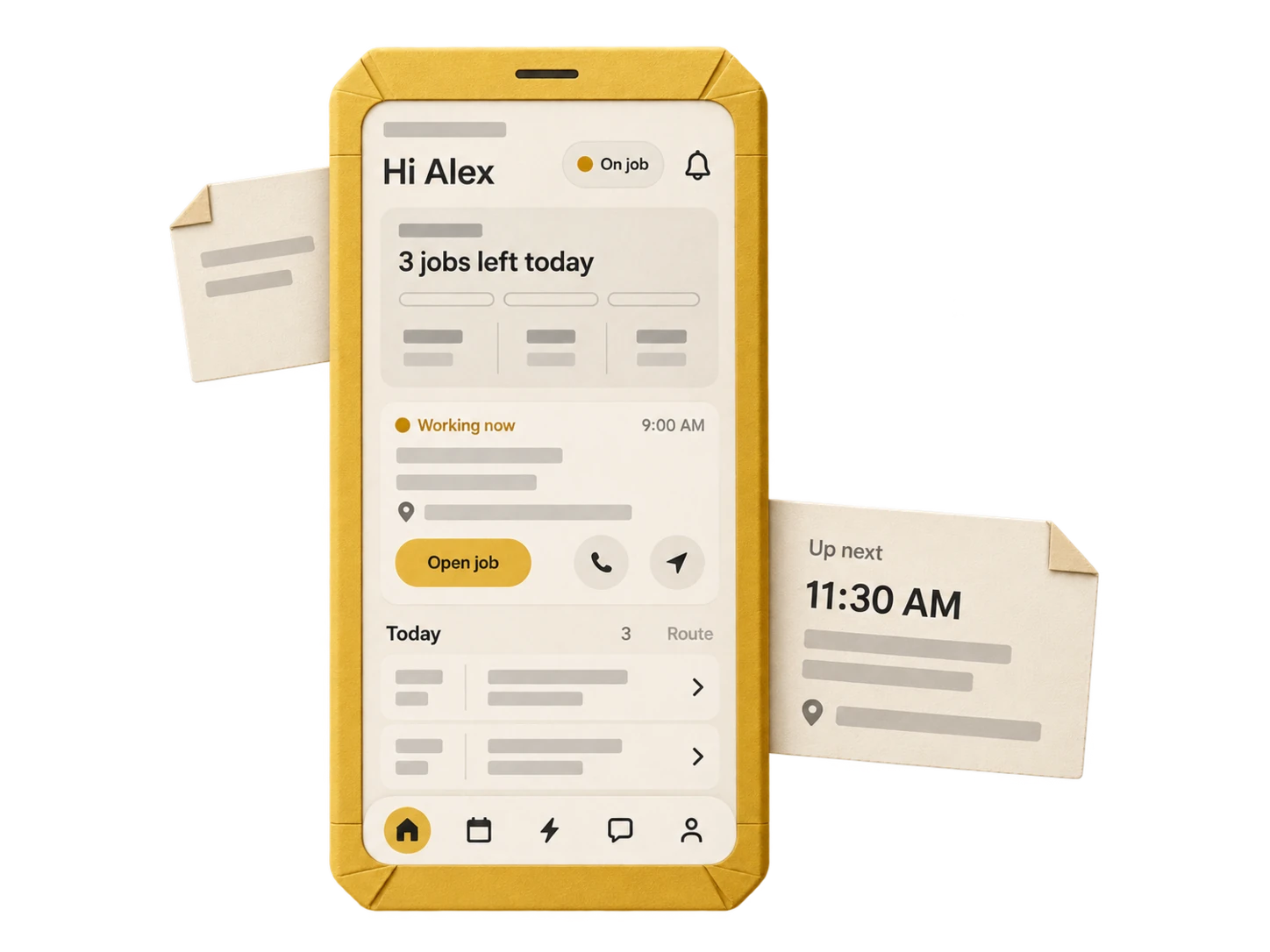
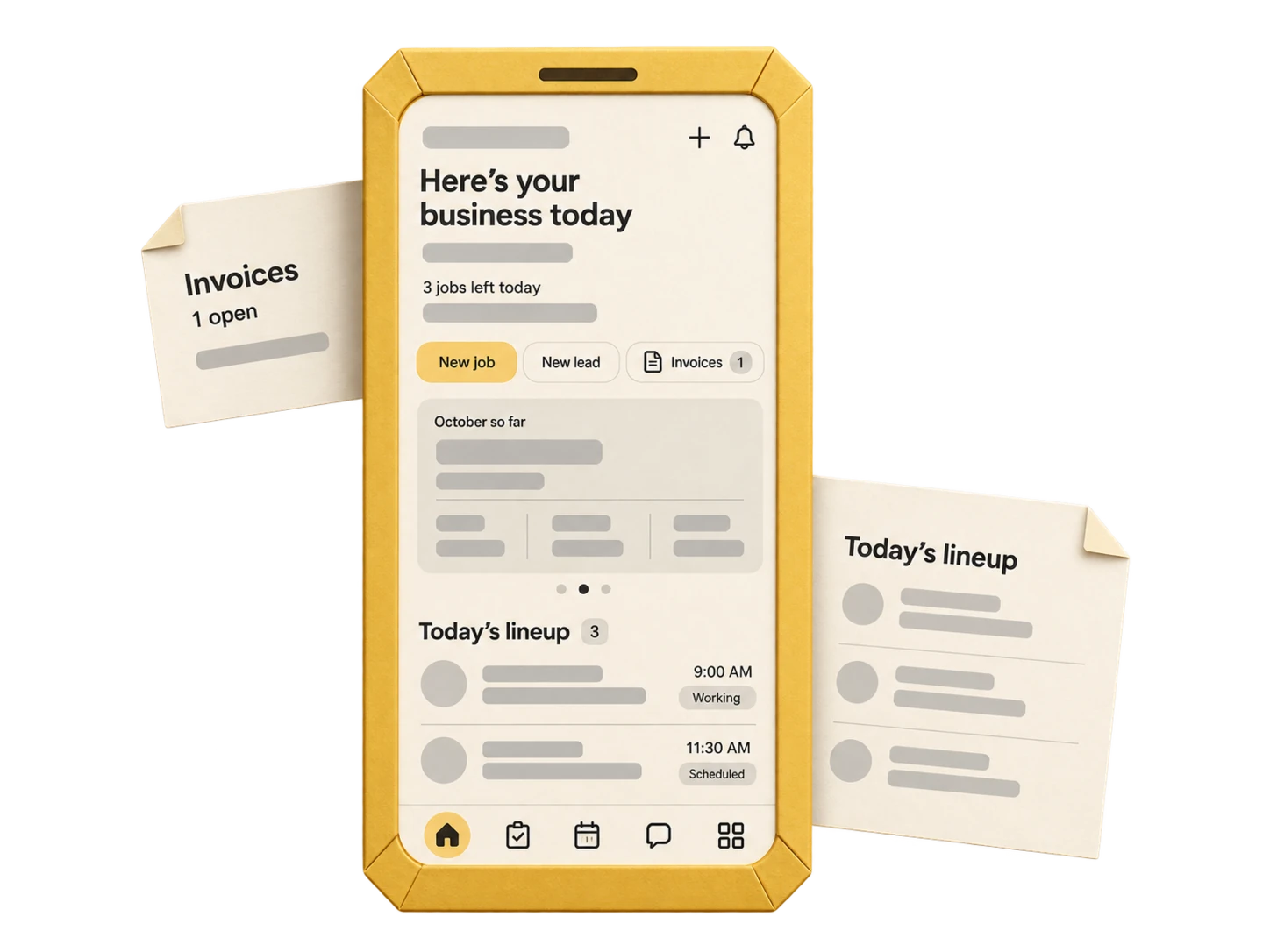
Open My Day. Your appointments, the next address and the current shift are right there. See what’s happening now and where you’re headed next.
Assigned jobs. Customer context. Directions.
Same job. All the way through.
One service call, from the day’s lineup to the invoice. Follow the work from the first appointment to the finished job.
Your day, at a glance
Open My Day. Your appointments, the next address and the current shift are right there. See what’s happening now and where you’re headed next.
Assigned jobs. Customer context. Directions.
At the customer’s door
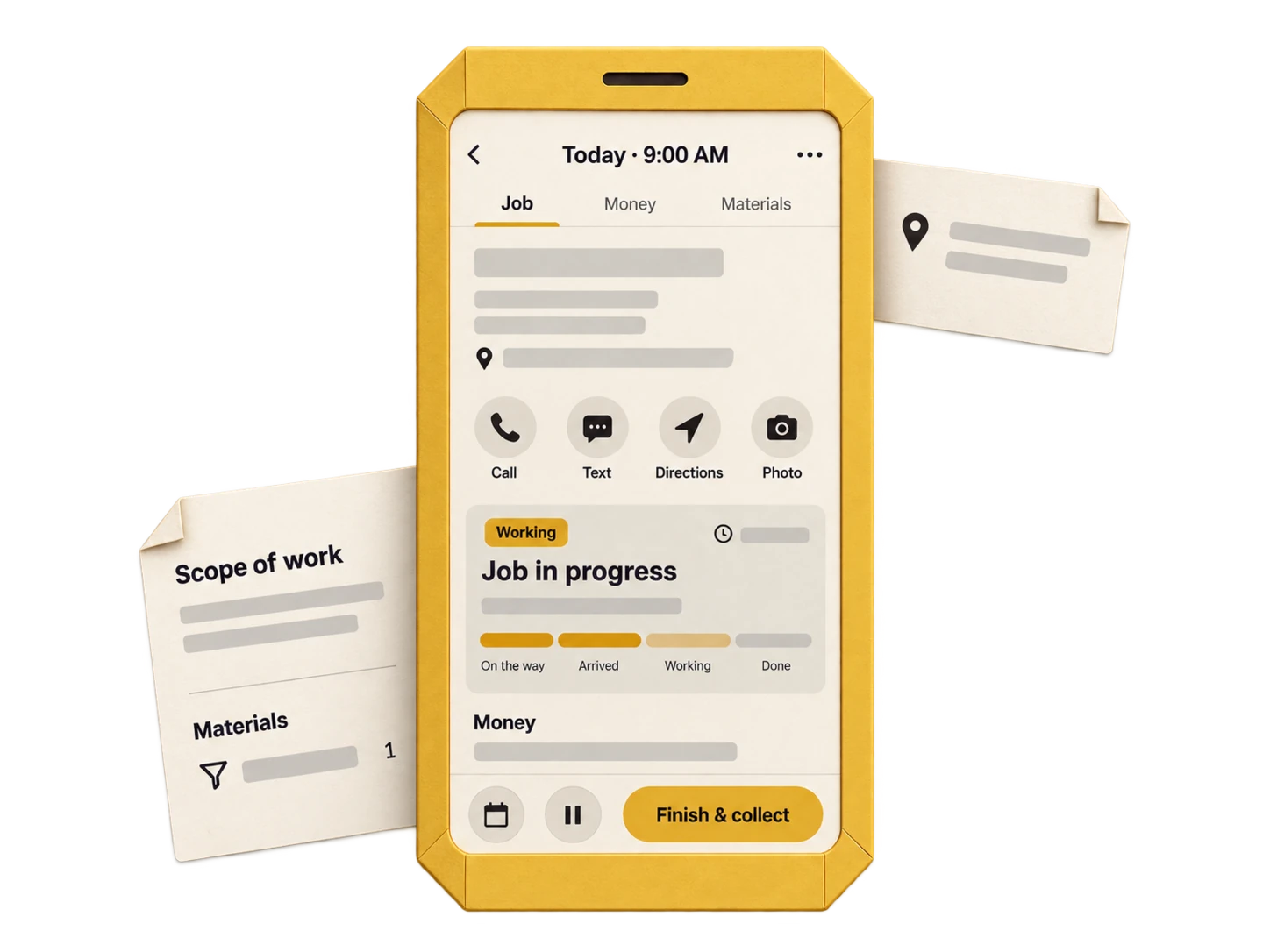
The scope, site notes, customer details and paperwork come with the appointment. Move the job forward as you arrive and get to work.
Read the details. Contact the customer. Update progress.
While the details are fresh
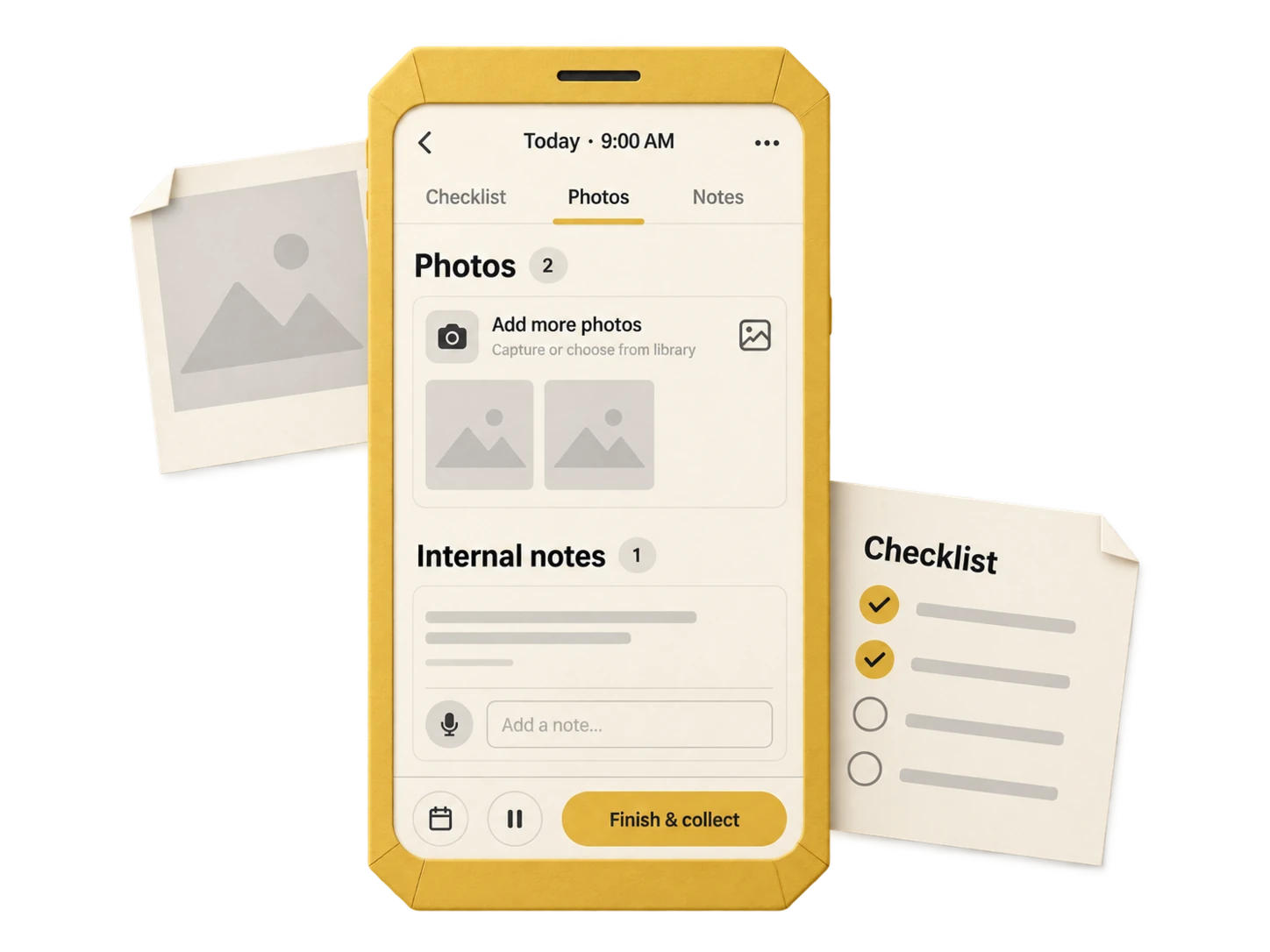
Check off the work, photograph what you found and add the notes the next visit will need. Capture the customer’s signature when you close out.
Checklists. Photos. Notes. Signatures.
Before you head to the next one
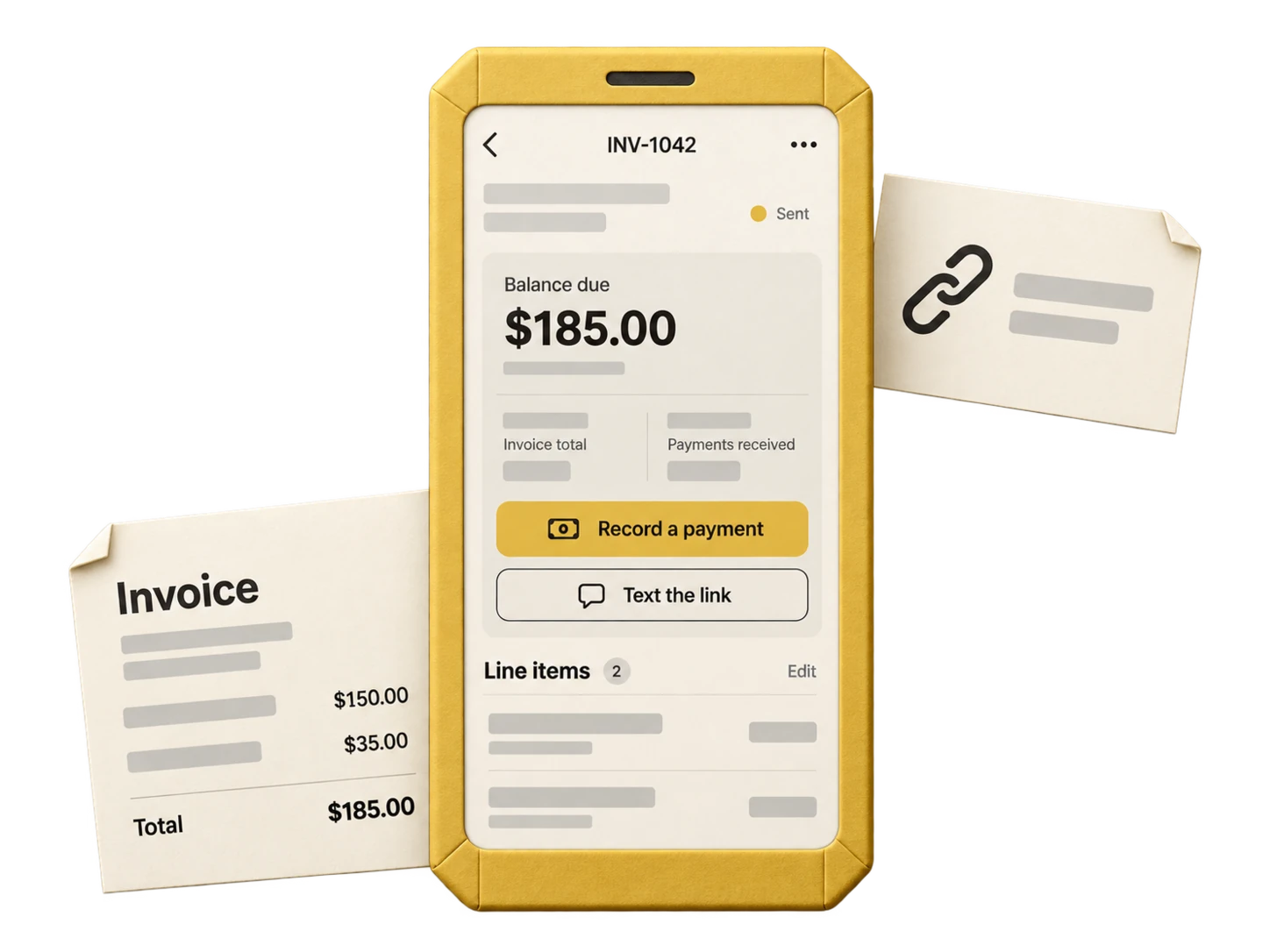
Use your price book, update the invoice and get it to the customer. Take a connected card payment or record cash or a check, with the permissions you choose.
Estimate it. Invoice it. Record the payment.
Pricing access is yours to control. Card processing and message delivery need a connection.
For the days you wear every hat.
The office view comes with you. See what needs you, answer customers and switch to field mode when it’s your turn.
Office and field views follow your role and permissions.
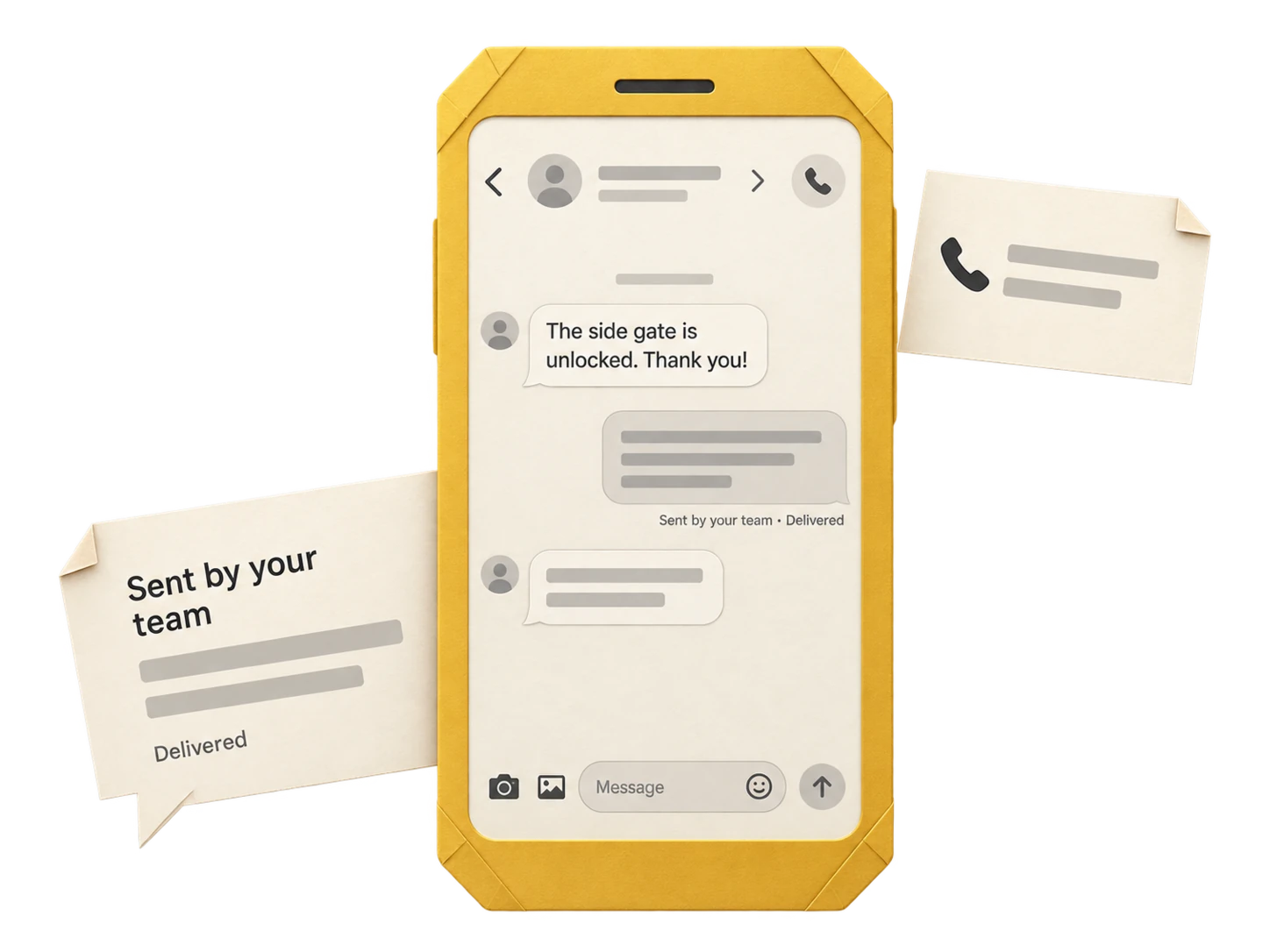
Message delivery needs a connection. Supported drafts can wait in the outbox.
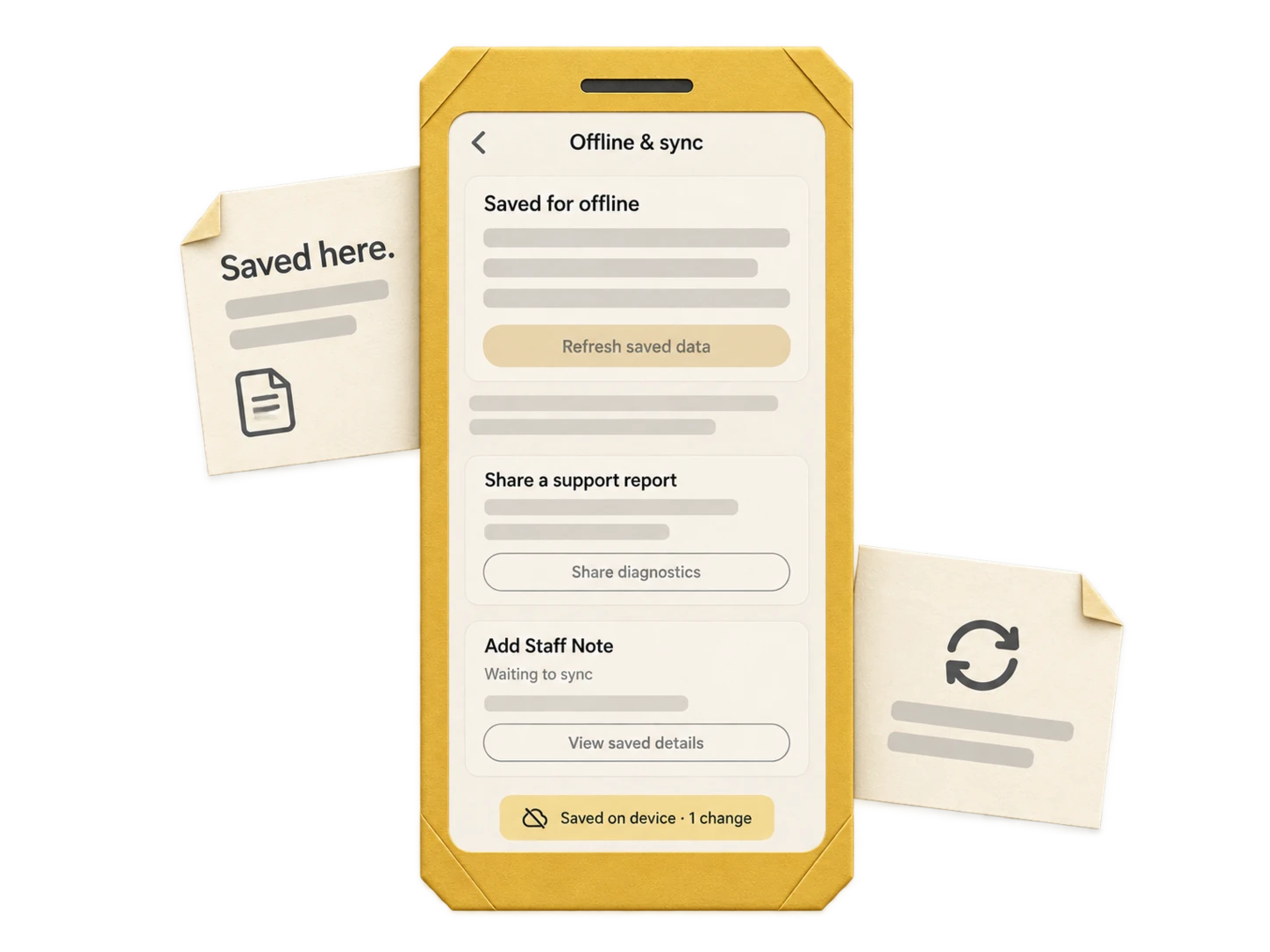
Signal comes and goes.
Open downloaded jobs. Save notes and photos on your phone. When you’re connected again, reopen the app to sync.
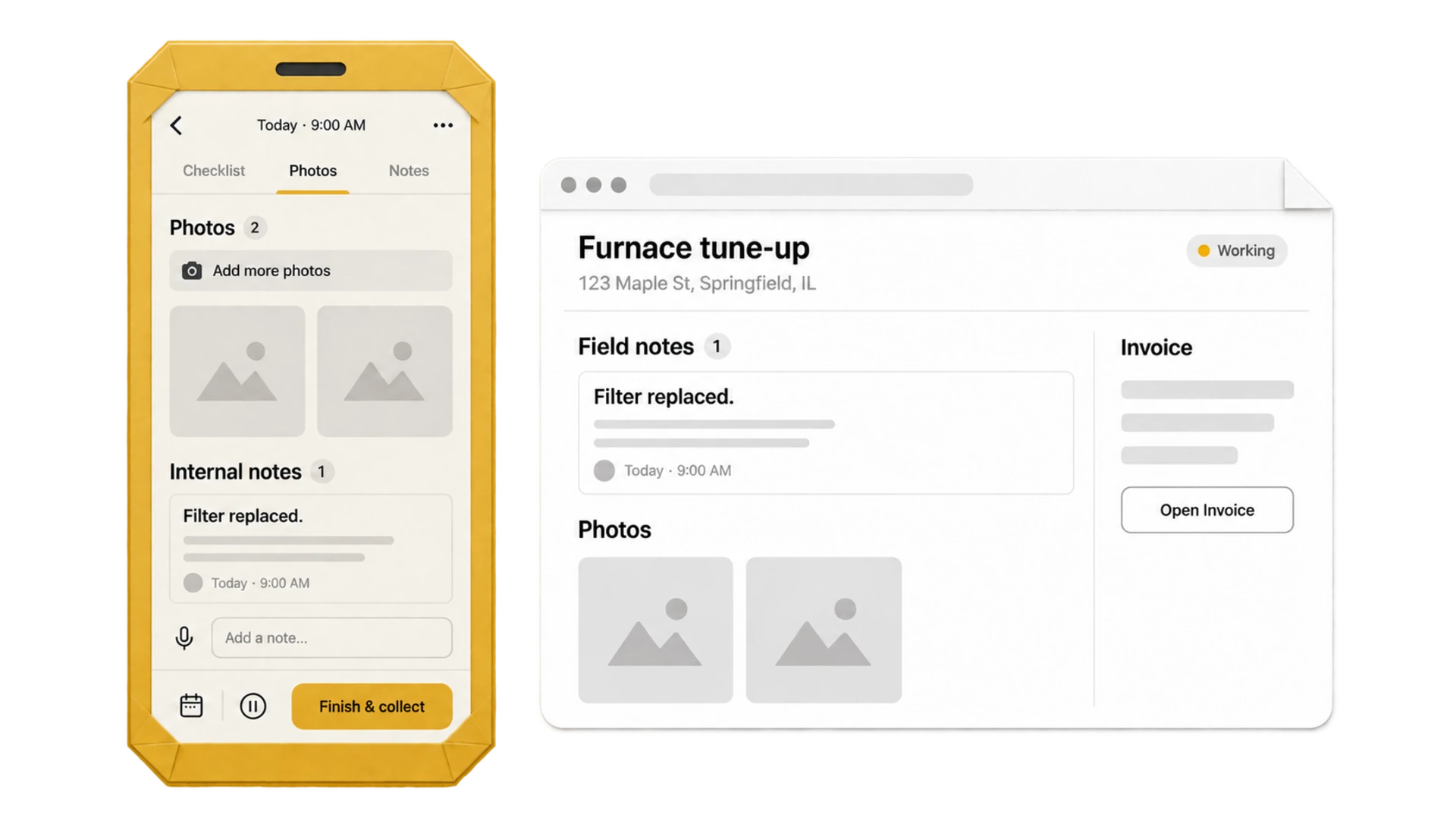
One job record, from the truck to the desk. Notes, photos and progress reach the office when your phone syncs.
Note it
on site.
Same notes.
At the shop.
Take a closer look at the tools that keep the day moving.
The office view, the field view, and the work you can do from your phone.
No. The app has office and field views. Owners, managers and dispatchers can switch views; technicians start with the field view. What each person can see and change follows their role and permissions.
The office view includes scheduling, customers, estimates, invoices, recurring plans and the price book. Some actions are owner-only, and settings or administrative tools may still belong in the web dashboard.
Open assigned work, follow the job through its stages, add notes and photos, complete checklists, capture signatures and arrange a return visit. Pricing and payment actions depend on the permissions you give them.
Yes, with the relevant permissions. Build and update job paperwork using your price book, share documents and payment links, and record cash or check payments. Direct card entry uses connected Square checkout. Card processing and text delivery need internet. Tap to Pay is planned for a future app release and is not available yet.
No. Pricing visibility and adding items are permission controlled. Technicians start with pricing access off; you choose who needs those tools.
Yes, for downloaded information and supported actions. Sign in and download your work while connected. Saved edits and uploads wait on the phone and sync when the connection returns, including when you reopen the app. Card processing and external services still need internet.
All coming with you.
Give the office and the crew one place to move from the next appointment to the finished job.
Try it free for 15 days. No credit card required.