
From the first stop to the last.
Clock in. Carry on.
Let the crew clock in from their phones. Review the hours and export timecards when the week is done.
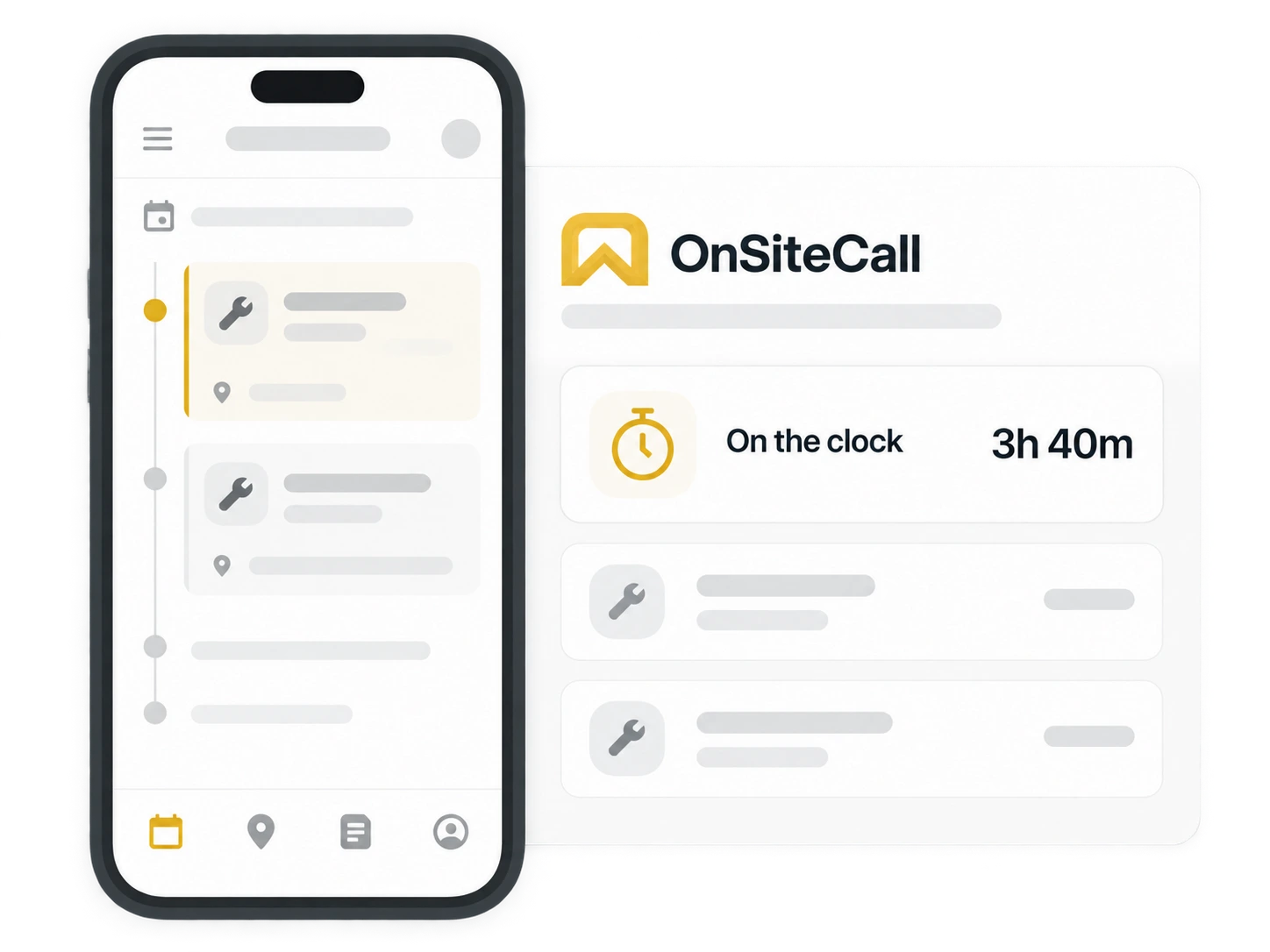
The shift starts here.
A tap to start.
A tap to finish.
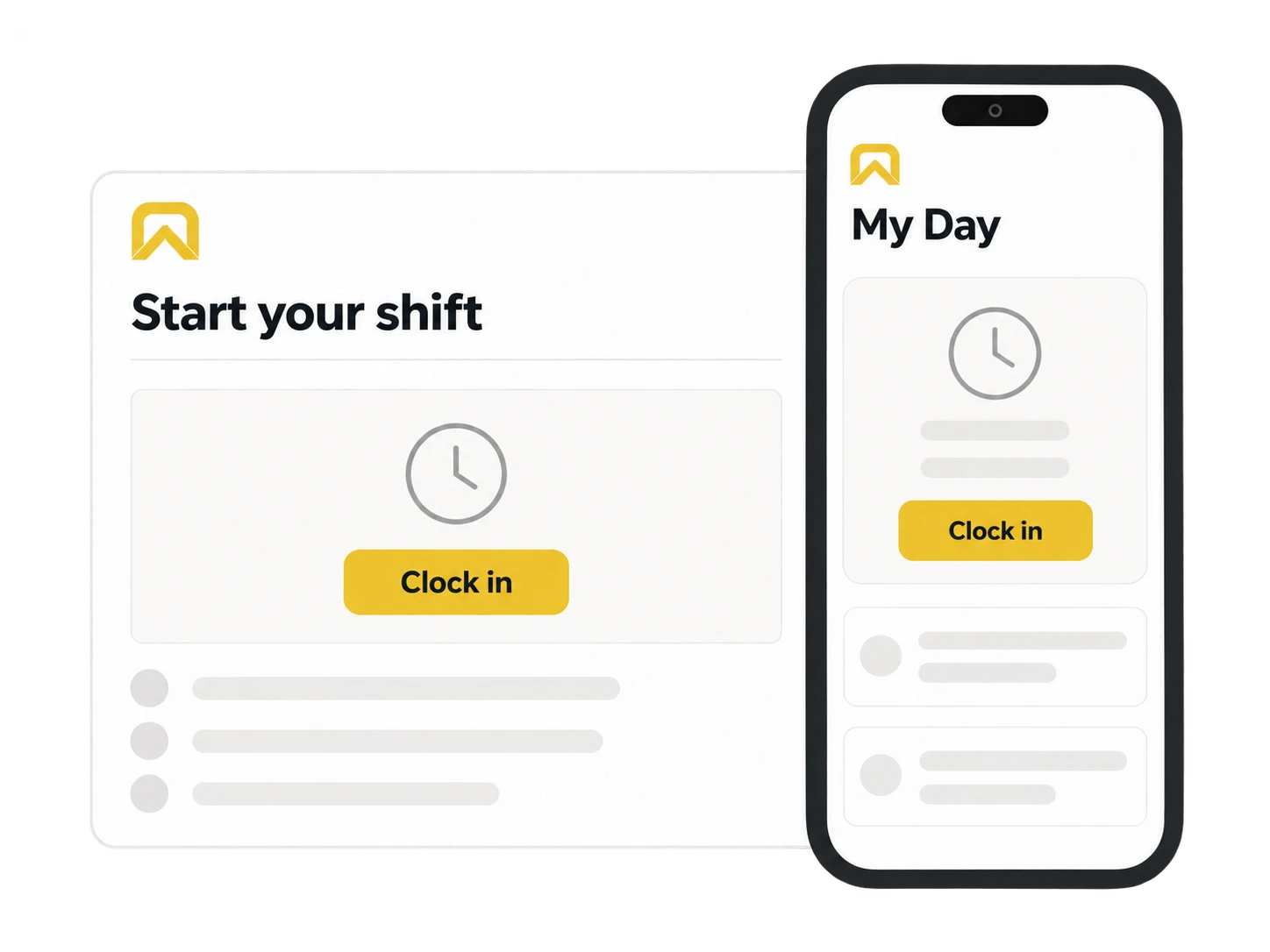
Your time clock lives in My Day, right beside the appointments ahead. Start the shift, then get on with the work.
One place for the day’s jobs and the time behind them.
The hours, without the guesswork.
The week adds up.
Here’s the record.
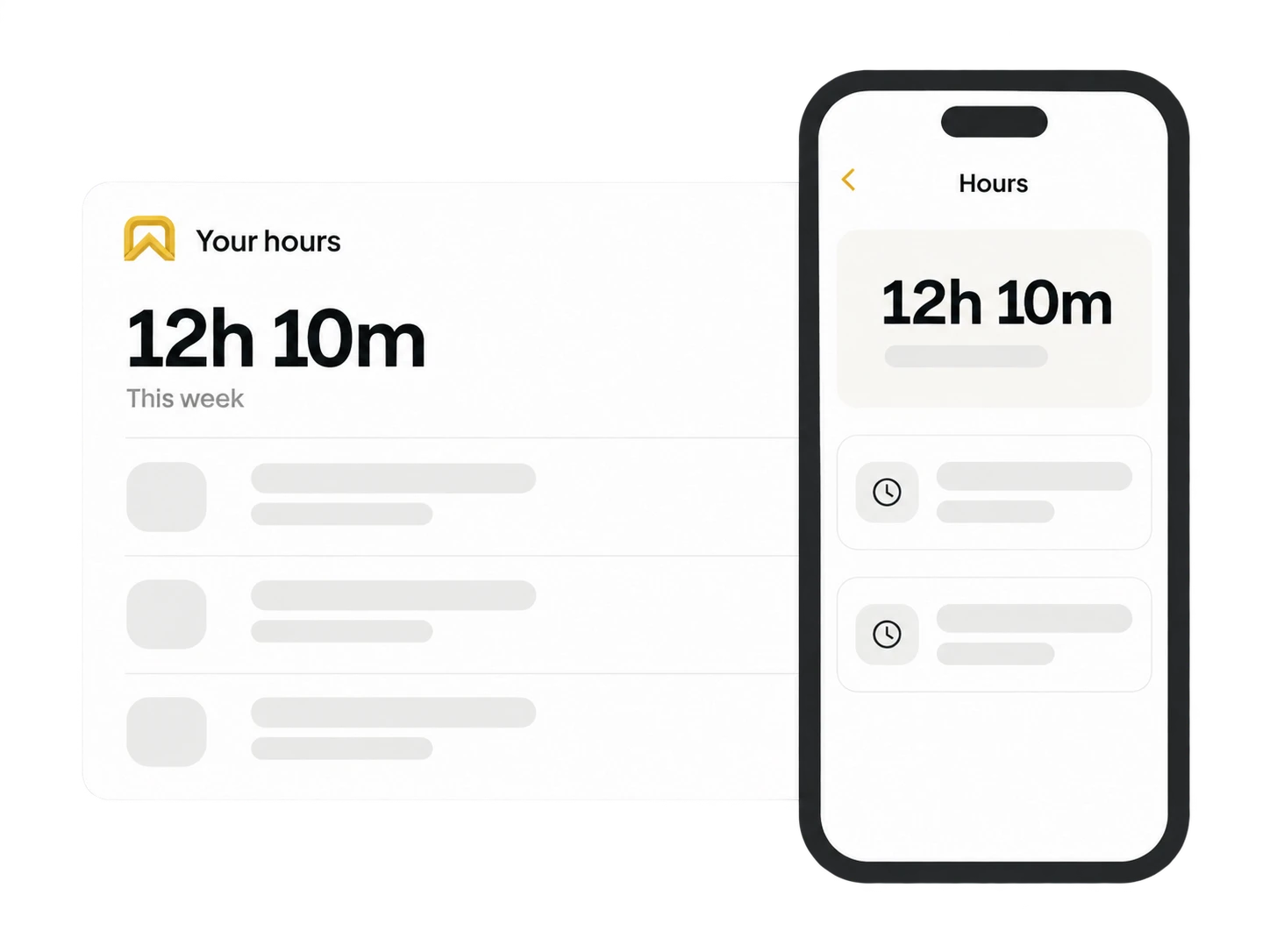
Open Hours for a clear view of your week—and the shifts behind it. Check when you started, when you finished and how long you worked.
Week and month totals keep the big picture easy to find.
Your recent 90 days of shifts, grouped in your business’s time zone.
Back at the shop.
Recorded out there.
Reviewed by you.
Your crew records the time on their phones. You review it in the owner’s web dashboard.
Explore team tools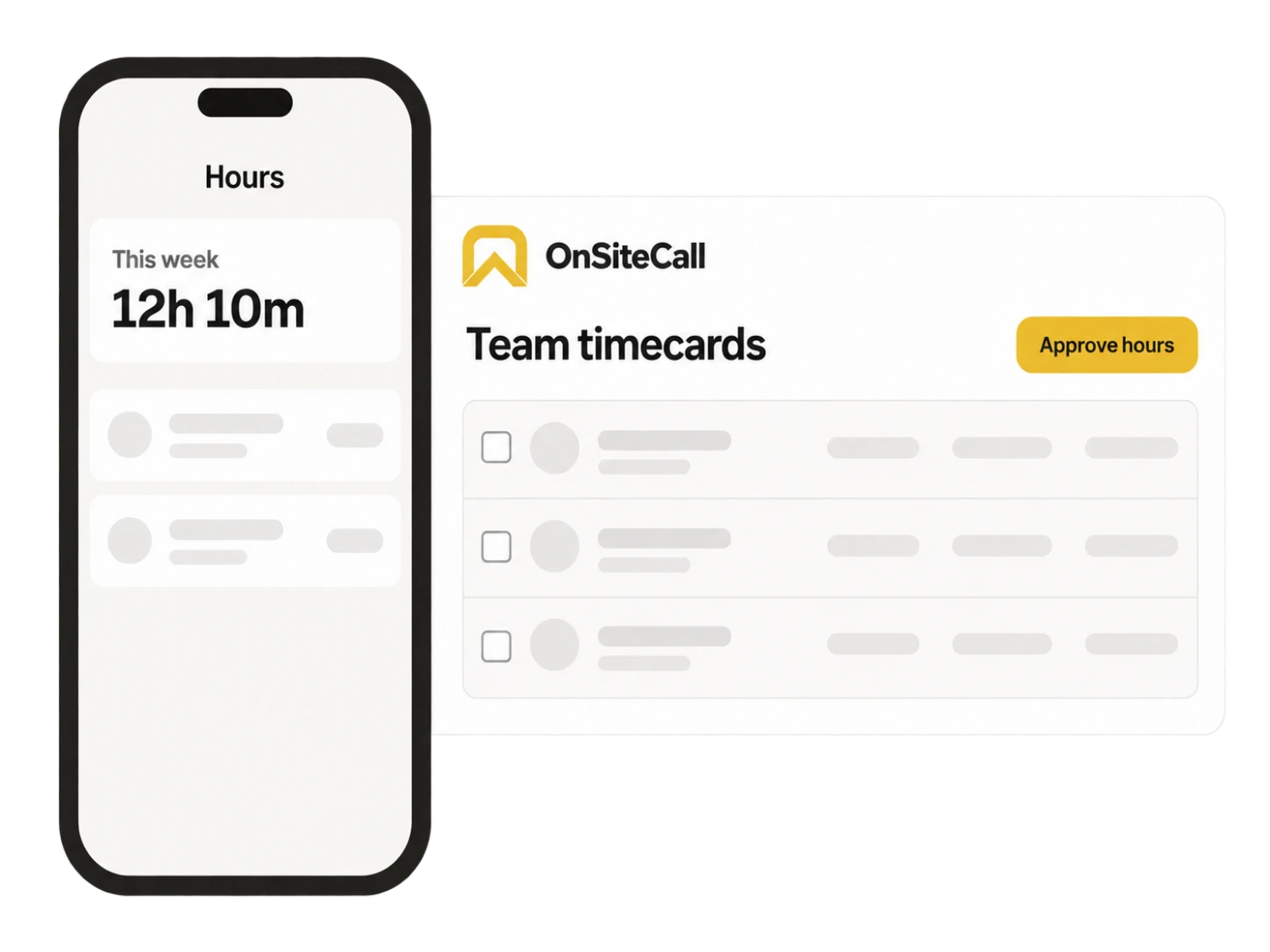
- 01
Check & correct.
Review the team’s shifts. Fix a missed punch with a reason attached.
- 02
Approve the hours.
Separate reviewed timecards from records still needing attention.
- 03
Take it from here.
Export a CSV for your payroll process. OnSiteCall doesn’t process payroll.
Questions about the hours.
Clocking in, correcting a shift, and getting the records ready for your payroll process.
Can the crew clock in and out offline?
Yes. Supported time punches save on the phone with the time they were made and sync later. Before working offline, sign in and load the current shift information. Clocking out needs the current shift available on the device.
Who can correct or approve a shift?
The business owner can review, correct and approve shifts in the web dashboard, then export timecards as CSV. Staff can review their own hours from the mobile app.
Can I switch the time clock off?
Yes. The business can turn the mobile time clock off. It is enabled by default.
Does OnSiteCall run payroll?
No. Timecards and estimated labor costs help prepare your records. Export them for your payroll process. OnSiteCall does not process payroll or calculate payroll taxes.
From the phone to your timecards.
Give every hour a place.
Let the crew record their shifts where the work happens. Review the hours before the week gets away from you.
Try it free for 15 days. No credit card required.