
Half a truck, easy.
Haul it away. Get paid fast.
The photos of the pile come in with the request. Price the load before the drive, put a crew of two on it, and text the invoice from the driveway.

It’s all in the garage.
The pile comes in as photos.
Customers attach photos of what needs to go on your website form, so you size the load and price it before anyone drives out.
Up to 8 photos of the load.
The garage, the basement, the hot tub. You see it before you quote it.
Chat that quotes the truck.
Website chat answers from your price book, so “how much for a couch” gets your price.
Add the estate calls yourself.
A call from the realtor goes in as a lead with the address and the notes.
Leads
4 new this week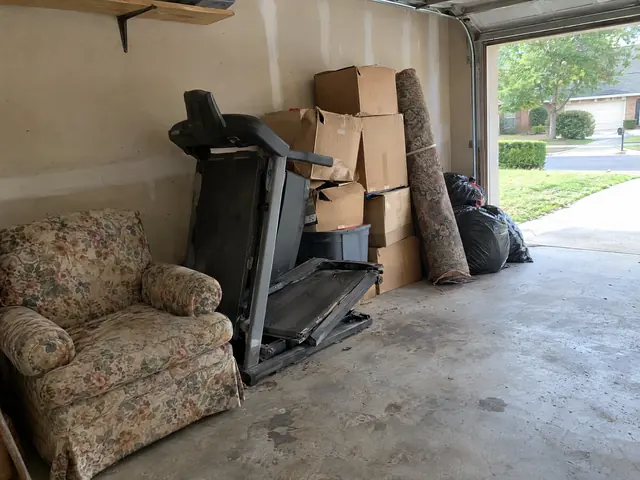 Ann ReillyWebsite form9:12 AM
- Tom BrooksWebsite chatYesterday
- Gwen PikePhone callMon
- Ray DunnAdded by youSun
Priced by the truck.
A quarter, a half or a full truck, cleanouts by the room, and disposal fees on their own lines. The customer sees the price before the crew shows up.

junk removal
Your price book
Half a truck, $380.

By the truck.
Quarter, half and full truck at set prices, so the crew can quote from the driveway.
Cleanouts as a range.
A garage is $450 to $1,200 until you’ve seen it. Quote the range, bill the number.
Fees on their own lines.
Mattress, appliance and hot tub fees, each a line the customer can see.
Two on the truck, one job on the phone.
The crew opens the job, sees the customer’s photos and the access notes, and taps through the day. The invoice is made from the job and texted before they pull away.
Loaded and paid by ten.
Garage cleanout · Ann Reilly
- On the way
- Arrived
- Working
- Done
Photos
- Access
Driveway parking. Side door is unlocked.
Noted- Half truck
$380.00 · mattress fee $65.00
From your book
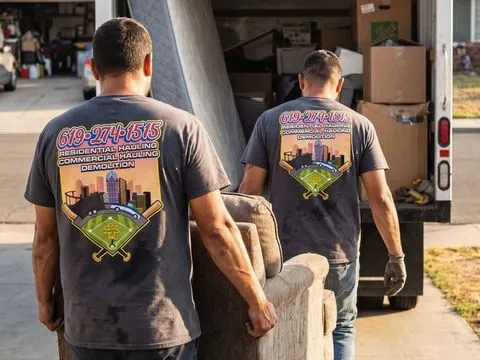
The photos on the job.
The customer’s photos of the pile, right on the job, with the gate and parking notes.
The crew on the board.
Assign the job to a tech. The whole crew sees the day on their phones.
Paid from the driveway.
Text an invoice pay link, take a card payment on the phone with connected Square, or record cash and checks before leaving.
Start with a draft.
Set up for junk removal.
The app drafts a junk removal price book you edit, picks the documents a service trade needs, and puts the crew on one shared schedule.
Set up for junk removal
Price book
“Draft junk removal services with AI”, then change any name or price. Or import your CSV.
One buttonDocuments
Terms and conditions, the service-plan agreement and the notice of right to cancel.
3 pickedThe crew
Invite your crew, assign the jobs, and see who’s where from the roster.
ReadyWebsite form
What needs to go, up to 8 photos of it, and a time that works.
Paste one line
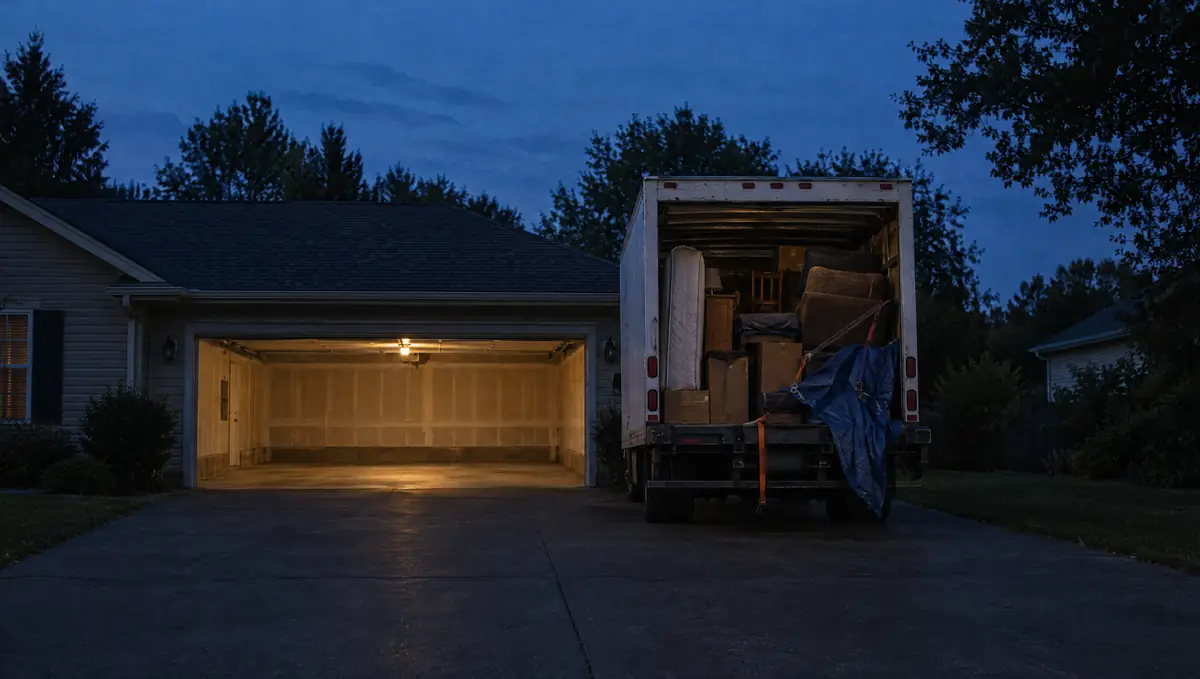
Truck full. All clear.
Price the load from their photos, text the invoice from the driveway, and get paid before the dump run.
See invoicesSwept it, too.
Questions junk removal owners ask.
Your prices, your customers, and the way your shop works.
Can customers send photos of the junk?
Yes. Your website form takes up to 8 photos, and customers can text photos to your business number. Both land on the lead, so you price the load before the drive.
Can the crew take payment on site?
Yes. From Finish and collect, text an invoice pay link, take an on-phone card payment with connected Square, or record cash and checks. Card payments and customer texts need a connection.
Can two people be on one job?
A job is assigned to one tech, and the whole crew sees the day’s board on their phones. Put the second crew member on the job’s notes.
How do new requests come in?
From the form and chat on your website, or you add one yourself in a few seconds. Phone calls ring your own phone; they are not turned into leads for you.
Can I text customers from a business number?
Yes. Pick a local number and complete brand and campaign registration. Texting starts after approval and number linking; review times vary. OnSiteCall covers the registration fees.
Can my techs see my prices?
Only if you let them. Seeing prices in the field and adding items to a job are both off for technicians until you turn them on.
What happens when the crew loses signal?
Previously loaded job details stay available. Key field updates, checklists, photos, signatures, and receipts save on the phone and sync when the connection returns. Supported time punches also save offline with their original times. Text delivery and card processing need a connection.
Paid from the driveway.
Load the next truck.
Price the load from the photos, put the crew on it, and text the invoice before you pull away.
Try it free for 15 days. No credit card required.