
Heat wave’s coming.
Stay cool. Stay booked.
No-cool calls in July, tune-ups in October, and the maintenance plans in between. Every job, customer and invoice in one place.

Upstairs is 84 degrees.
The no-cool call comes in at 9 PM.
Your website form asks what’s going on, takes their photos and picks a time from your open slots. By morning it’s a lead with everything on it.
Your website form.
Their answers, up to 8 photos of the unit, and a time picked from your open slots.
Your website chat.
Answers from your business details and price book, so “how much is a tune-up” gets your number.
Or add one yourself.
A call or a neighbor’s referral goes in as a lead in a few seconds.
Leads
4 new this week- Marcus BellWebsite form7:42 PM
- Priya NairWebsite chatYesterday
- Tom BrooksReferralMon
- Grace OkaforAdded by youMon
Your prices, by the chapter.
Repairs, installs and maintenance, priced the way you quote them. A flat rate, a range, or by the visit. Every item shows what it has sold.

HVAC
Your price book
Capacitor’s $189 to $320.

Ranges where you need them.
A leak search is $250 to $450 until you’ve seen it. Set an “up to” price and quote the range.
Installs priced by the job.
Condenser, furnace and mini-split installs with the hours they take, so the calendar blocks the right day.
Sold 38 times this year.
Every service shows how often it sold and what it brought in, right in the book.
Twice a year, on its own.
Set up a maintenance plan once: spring AC service and a fall tune-up. Each visit lands on the calendar and the tech’s phone, and the invoice goes out when it’s done.
See you in April.
Furnace & AC plan
ActiveThe visits, at a glance
- Apr ’26Done
- Oct ’26Done
- Apr ’27Next
- Oct ’27On the calendar
- Apr ’28On the calendar
Twice a year, or any rhythm.
Every month, every 3 months, twice a year, once a year. Pick the days, and the months it runs.
Billed per visit or flat.
An invoice for each completed visit, or one price per month, quarter or year. Nothing is charged when you save.
Pause for a season.
Pausing takes the visits off the calendar and the tech’s day. Nothing is texted to the customer.
Thirteen winters and counting.
Know the furnace before you’re in the basement.
Save the make, model, serial number and install date against the customer. The app shows how old each unit is and whether it’s still under warranty.
Equipment types in the app: furnace, AC or condenser, heat pump, mini-split, water heater, boiler, thermostat, electrical panel, generator and other. Anything 12 years or older shows in amber.
Maria Delgado
Furnace · Carrier 59SC5A
AC / Condenser · Goodman GSX16
Thermostat · ecobee
Filter is 16x25x1. Flame sensor cleaned last fall.
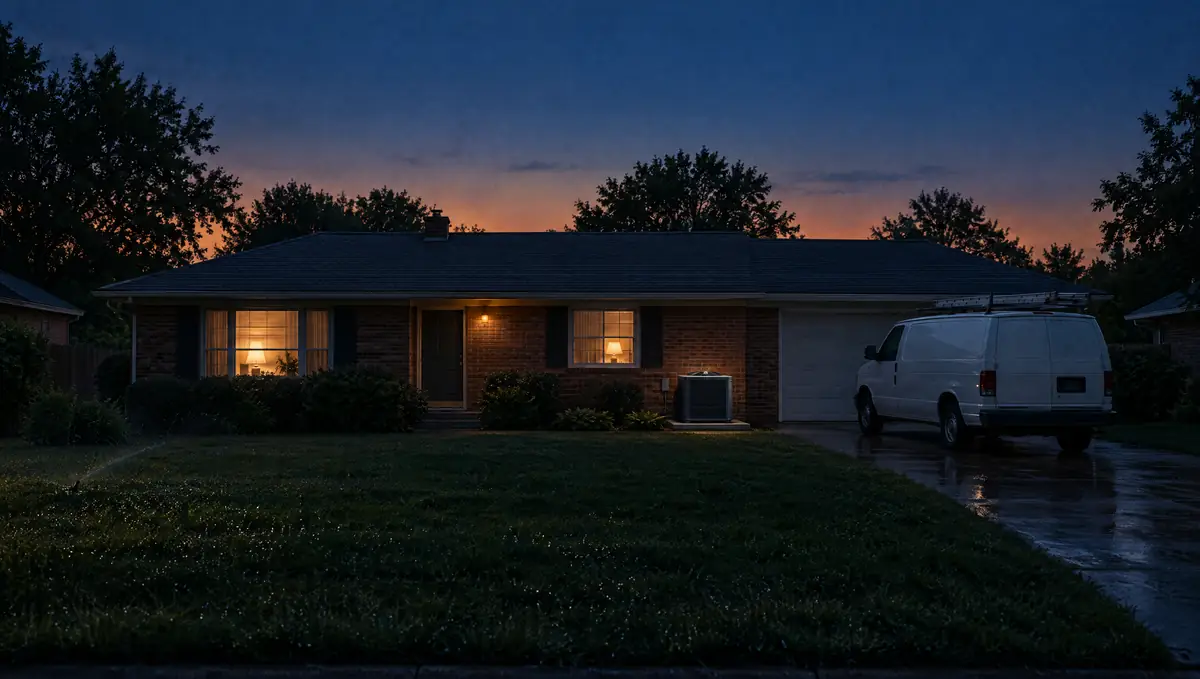
Peak heat. Cool head.
Your plan customers got their tune-ups in spring, so July’s open slots go to the no-cool calls.
See recurring jobsLet it get hot.
An afternoon, start to finish.
Set up for HVAC.
Press one button and the app drafts a starter price book for HVAC. The documents it picks follow your trade. Bring your customers in by CSV.
Set up for HVAC
Price book
“Draft HVAC services with AI”, then change any name or price. Or import your CSV.
One buttonDocuments
Service agreement, terms and conditions, change order and the notice of right to cancel.
4 pickedEquipment records
Furnace, condenser, heat pump, mini-split, thermostat and more, per customer.
ReadyWebsite form
Your own questions, their photos, and a time from your open slots.
Paste one line
Questions HVAC owners ask.
Your prices, your customers, and the way your shop works.
Can I run maintenance plans?
Yes. Set a plan to twice a year, or any rhythm from weekly to yearly, pick the days and months, and each visit lands on the calendar about 60 days ahead. Bill per visit or a flat price per month, quarter or year.
Can I keep equipment records?
Yes. Save the type, make, model, serial number, install date and warranty end against the customer. The app shows the unit’s age and warranty status.
Can I quote a range?
Yes. Give a service an “up to” price and it shows as a range, like $250 to $450. Estimates use the base price; you set the final number.
How do new requests come in?
From the form and chat on your website, or you add one yourself in a few seconds. Phone calls ring your own phone; they are not turned into leads for you.
Can I text customers from a business number?
Yes. Pick a local number and complete brand and campaign registration. Texting starts after approval and number linking; review times vary. OnSiteCall covers the registration fees.
Can my techs see my prices?
Only if you let them. Seeing prices in the field and adding items to a job are both off for technicians until you turn them on.
What happens when the crew loses signal?
Previously loaded job details stay available. Key field updates, checklists, photos, signatures, and receipts save on the phone and sync when the connection returns. Supported time punches also save offline with their original times. Text delivery and card processing need a connection.
Tune-ups book themselves.
Make room for the next HVAC job.
Your prices, your plans, your customers and your invoices in one place, on the phone and in the office.
Try it free for 15 days. No credit card required.