
Permit filed. Inspection Friday.
Power on. Paper off.
The dead circuit, the panel upgrade, the EV charger in the garage. Price it from your book, send the estimate from the driveway, and invoice when the breaker’s in.

Breaker won’t reset.
A photo of the panel, before you go.
Your website form asks what’s going on and takes a photo of the panel or the outlet. You know what you’re walking into before you pull the van around.
The panel, in the request.
Up to 8 photos on the form. A photo of the panel label tells you the amperage from your desk.
Chat that quotes your rate.
Website chat answers from your price book, so an outlet swap gets your price, not a guess.
Add the referrals yourself.
A call from the GC goes in as a lead with the address and the notes.
Leads
4 new this week- Rosa CastilloWebsite form8:15 AM
- Kyle MorganWebsite chatYesterday
- Priya ShahReferralMon
- Omar HaddadAdded by youSun
Priced per fixture, per hour, per job.
Troubleshooting by the hour, outlets and fans per fixture, the panel and the charger by the job. Your book keeps the unit with the price.

electrical
Your price book
Outlet swap, $110 a fixture.

The unit stays with the price.
Per hour, per fixture, per job or flat. The estimate carries it through to the invoice.
Permits in the install price.
A panel upgrade at $2,400 to $3,800 with the permit and inspection written into the line.
Hours block the calendar.
Give an install eight hours and the schedule holds the day for it.
The job, on the tech’s phone.
Your electrician opens the job, taps on the way, and sees the panel photo, the address and the notes. Keep photos and the checklist with the work, then send the invoice when it’s ready.
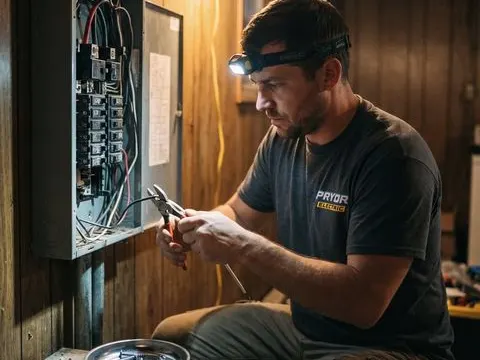
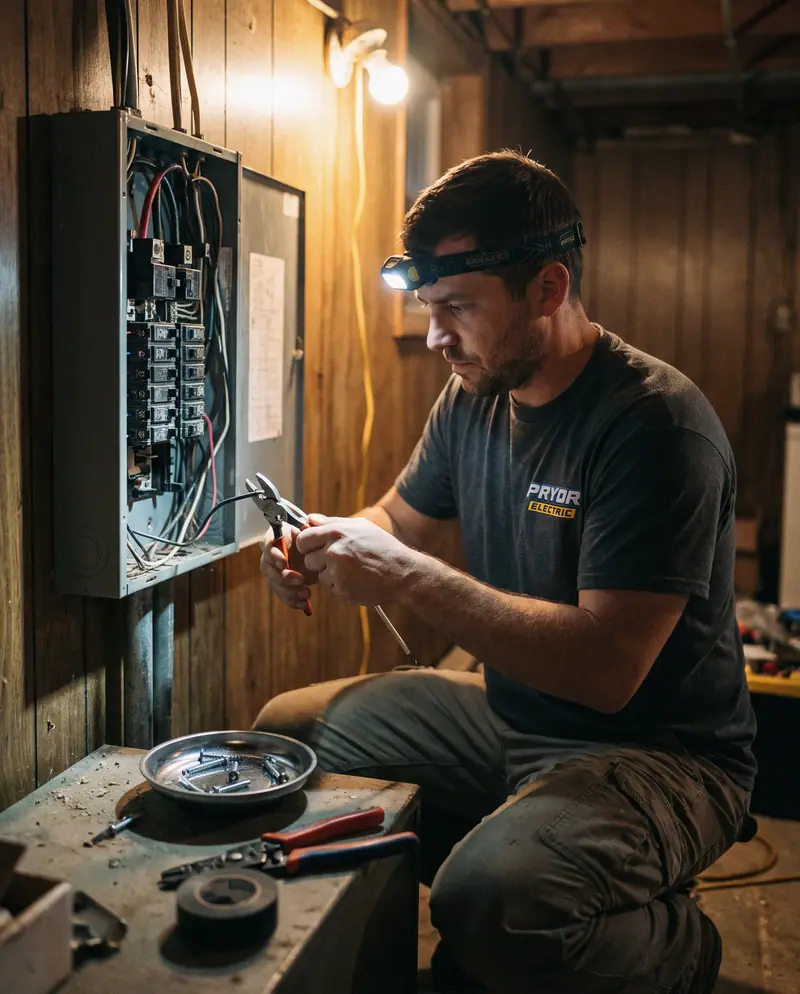
Before and after, on file.
Panel upgrade · Priya Shah
- On the way
- Arrived
- Working
- Done
Photos
- Permit and inspection
Town permit filed · inspection Fri 10:00 AM
Scheduled- Materials
200A panel, breakers, ground rod
From your book
On the way, arrived, working, done.
Four taps. The office sees each one, and the customer can get an on-the-way text.
Photos on the job.
Before and after the panel, from the phone, saved to the customer.
Finish and collect.
Text the invoice pay link, take a card payment on the phone with connected Square, or record cash and checks against the job.
Two hundred amps since June.
The panel and the generator, on file.
Save the panel and the generator against the customer with the install date, so the next call starts with what’s in the house.
Electrical panel and generator are two of the app’s equipment types, with make, model, serial, install date, warranty end and notes.
Priya Shah
Electrical panel · Square D QO 200A
Generator · Generac 22kW
Transfer switch is in the garage. Dog is friendly but jumps.

Lights on. Job closed.
The panel photos, your notes and the invoice stay on the customer, so the next call to this house starts with what you did.
See customer recordsPanel’s happy.
Start with a draft.
Set up for electrical.
The app drafts an electrical price book you edit, picks the documents your trade needs, and keeps the panel on file per customer.
Set up for electrical
Price book
“Draft electrical services with AI”, then change any name or price. Or import your CSV.
One buttonDocuments
Service agreement, terms and conditions, change order and the notice of right to cancel.
4 pickedEquipment records
Panels and generators with make, model, serial and warranty.
ReadyWebsite form
What’s going on, a photo of the panel, and a time that works.
Paste one line
Questions electrical owners ask.
Your prices, your customers, and the way your shop works.
Can customers send a photo of the panel?
Yes. Your website form takes up to 8 photos, and customers can text photos to your business number. Both land on the lead.
Can I price by the fixture or the hour?
Yes. Each service has its own unit: per hour, per fixture, per job, flat and more. The unit carries through to estimates and invoices.
Can my electrician take photos on the job?
Yes. Photos, notes and a checklist go on the job from the phone, and the customer can sign at close-out.
How do new requests come in?
From the form and chat on your website, or you add one yourself in a few seconds. Phone calls ring your own phone; they are not turned into leads for you.
Can I text customers from a business number?
Yes. Pick a local number and complete brand and campaign registration. Texting starts after approval and number linking; review times vary. OnSiteCall covers the registration fees.
Can my techs see my prices?
Only if you let them. Seeing prices in the field and adding items to a job are both off for technicians until you turn them on.
What happens when the crew loses signal?
Previously loaded job details stay available. Key field updates, checklists, photos, signatures, and receipts save on the phone and sync when the connection returns. Supported time punches also save offline with their original times. Text delivery and card processing need a connection.
Breaker’s in. Bill’s sent.
Power the next job.
Price it from your book, send the estimate from the driveway, and invoice when the work is done.
Try it free for 15 days. No credit card required.