
Estimate · EST-0127Draft
Replace 50-gallon gas water heater
Your price book
4 more price-book items3 included · $217
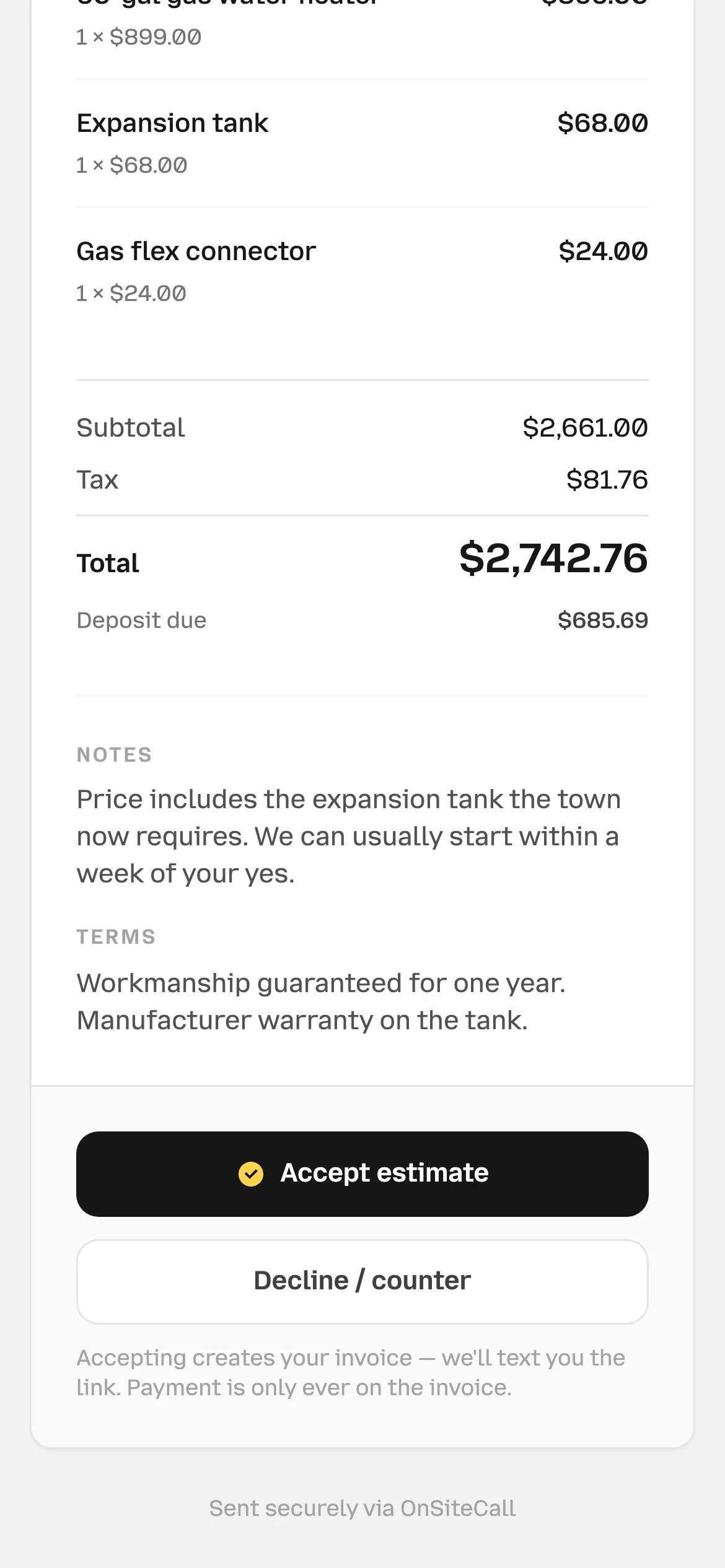
- Subtotal
- $2,661.00
- Sales tax 8.25% on $991.00
- $81.76
- Total
- $2,742.76
- Deposit up front 25%
- $685.69
Looks good to us!
Build an estimate from your price book and share it by text or email. Customers approve it or request changes, with the next booking step right there.

Your prices. Not a guess.
Pick the work from your price book. The estimate adds your prices and calculates tax and the deposit.
AI can draft from the customer’s request, too. You review it before sending.
Replace 50-gallon gas water heater
See when it was sent, opened and accepted. Follow up from the same page if you’re still waiting.

Your call.
Customers can request changes and propose a price. Review their feedback, then send a new version for approval.
Counter-offers are on by default. You can turn them off in the mobile app.
Quote needs your answer
Next stop: paid.
Their approval saves the agreement and creates the invoice. Then comes the appointment: a time they choose, or one you arrange together.
Accept estimate, right from the link. No signature and no account needed.
The accepted version stays on record and its agreed lines become the invoice. Changes to approved work need a separate estimate.
Offer appointment times or arrange the visit yourself. A required deposit confirms a held time when paid before its deadline.
Approvals, counters, deposits, and the AI that drafts the lines.
They open the link you text or email and tap “Accept estimate”, without creating an account. Their approval is saved against that version and an invoice is created from the agreed lines. Without a deposit, it stays a draft until you issue it. Booking a time is a separate next step.
Yes. “Request changes” lets them explain what needs adjusting and propose a price when counteroffers are enabled. Revise and share a new version for them to review; the earlier quote stays in the history. Customers can also decline without proposing changes.
Yes, as a dollar amount or percentage. It carries over to the invoice. When a customer selects an appointment that requires a deposit, the time is held for 15 minutes. Paying before that deadline confirms it; an expired hold needs a new time.
Yes. Lines sit under services or materials at your price book prices. One sales tax rate applies to the lines you mark as taxed, and a discount in dollars or percent comes off the total.
Two ways. On an estimate tied to a lead or job, “Draft from their request” writes the lines from the lead’s request using your price book prices. Work it can’t match is priced toward the lead’s price or left at $0 for you to fill in, and Undo takes it all back. “Write it for me” writes the customer-facing words for one line. You check everything before it goes.
Yes. Email or text the estimate link, copy it to share yourself, or download a PDF. Texting from your business number needs approved carrier registration. The link keeps approval, requested changes, and the next booking step together.
Go get the yes.
Build it from your price book, text the link, and see the moment they open it.
Try it free for 15 days. No credit card required.